


LinkedIn credits and licences
Understand available credits, confirmed activations and unused balances.
A credit is not an activated licence
A LinkedIn credit is available capacity to request an activation. The licence becomes active only through the relevant LinkedIn process. Buying credits, adding an account record and opening a link are distinct actions.
The sidebar and licence screens show available quantities. Check the service: a Business credit and a Sales Navigator credit are not interchangeable merely because both are LinkedIn products.
Do credits expire?
Credits have their own validity period. Check the balance and expiry shown in your workspace instead of assuming an unused credit lasts indefinitely. A returned early-failure credit starts a fresh validity period from its return date, following the newly added credit rules.
Can I move or reuse an activation?
Do not assume a confirmed licence or consumed credit can be reassigned freely. Existing requests, active licences and the 28-day interval affect eligibility. Review the account history and contact support for an unusual case rather than duplicating the record.
How are estimated savings calculated?
The dashboard combines estimated savings on confirmed LinkedIn activations and paid Sendler invoice portions. Unused LinkedIn credits are not counted as activations. This is an excluding-tax comparison estimate, not an account balance or a refund owed. An incomplete historical calculation is marked as partial.
Activate LinkedIn · Billing · Failed activations and credits
In the application
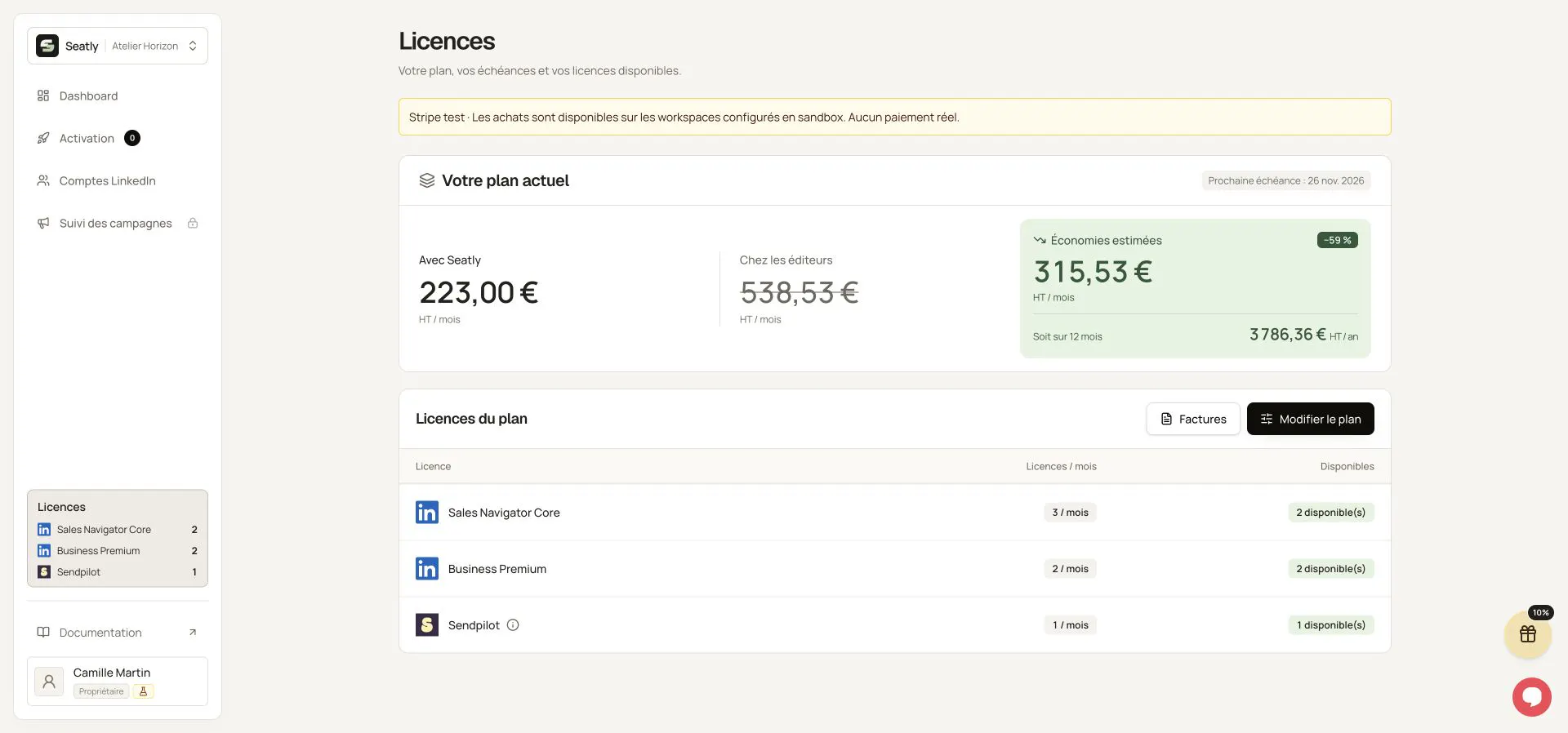
The plan summary, available licences and the invoice entry point. Names, workspace and contact details have been replaced with fictional examples. This illustration is not a quote or a customer record. The interface shown is in French.